Introduction
HelioScope is an advanced solar PV design and engineering software used by solar professionals, engineers, EPC companies, and renewable energy consultants to design, simulate, and analyse solar power systems. It helps users create accurate rooftop and ground-mounted solar PV layouts, perform energy production simulations, analyse system losses, and optimise solar project performance.
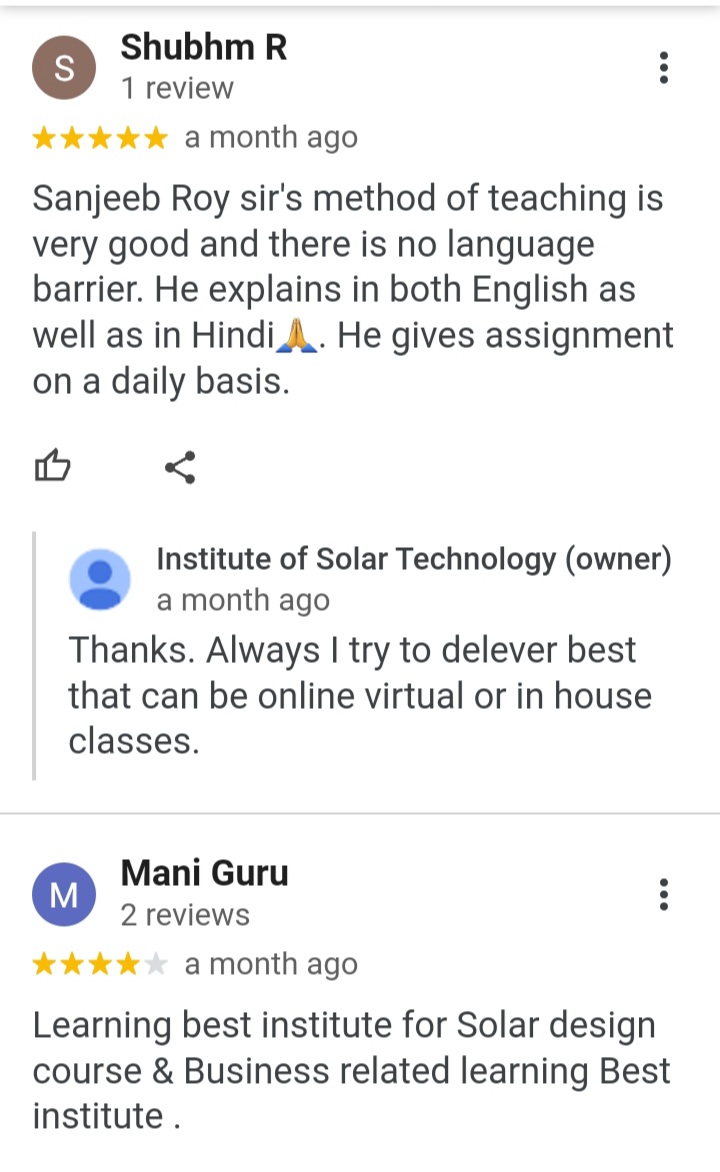
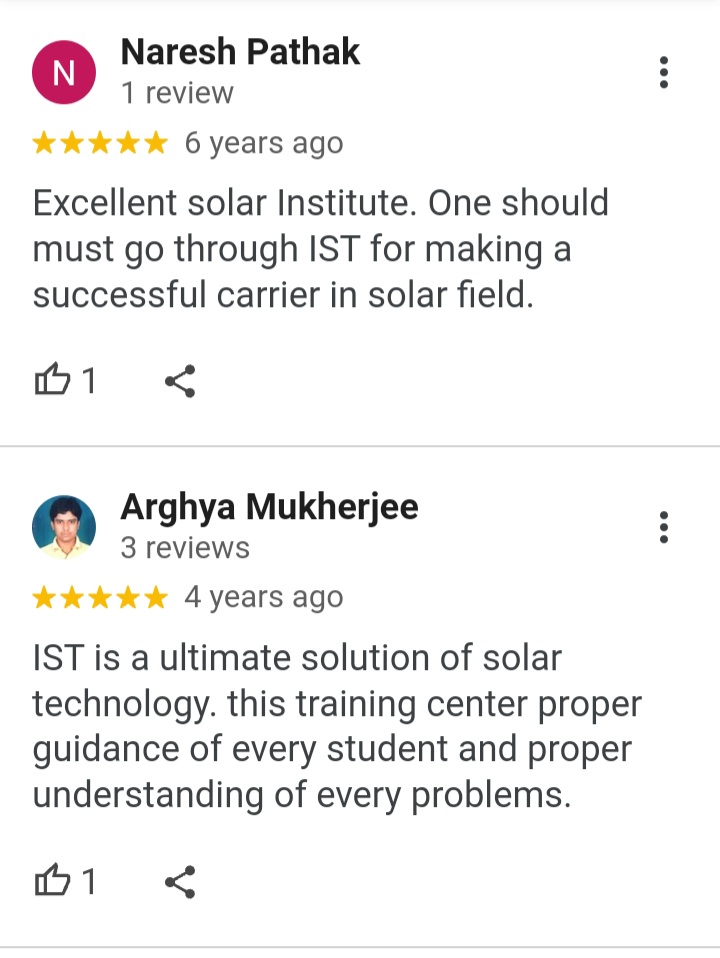
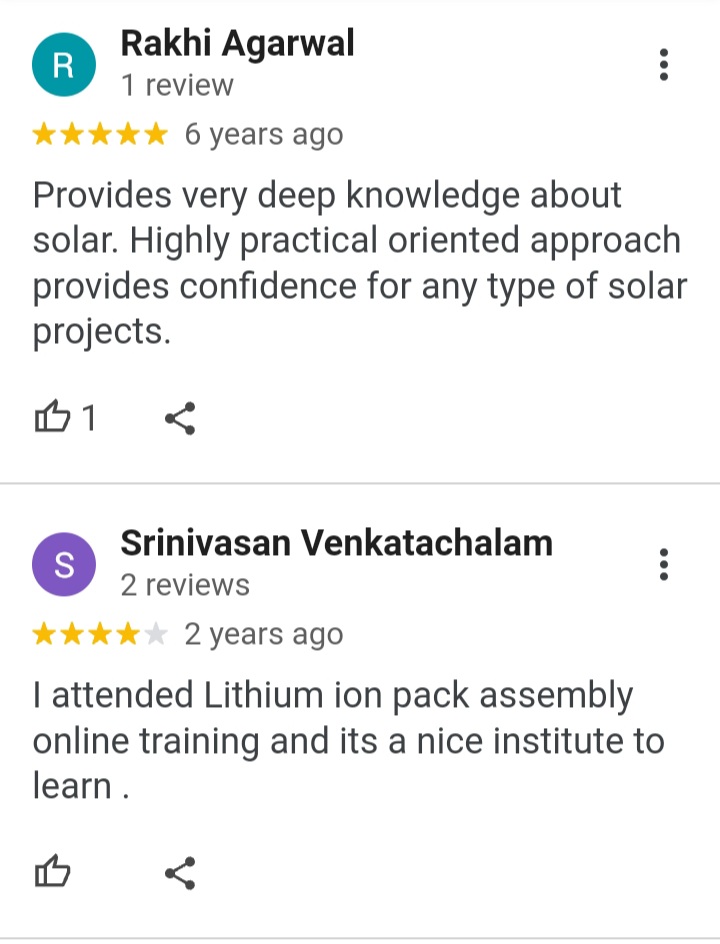
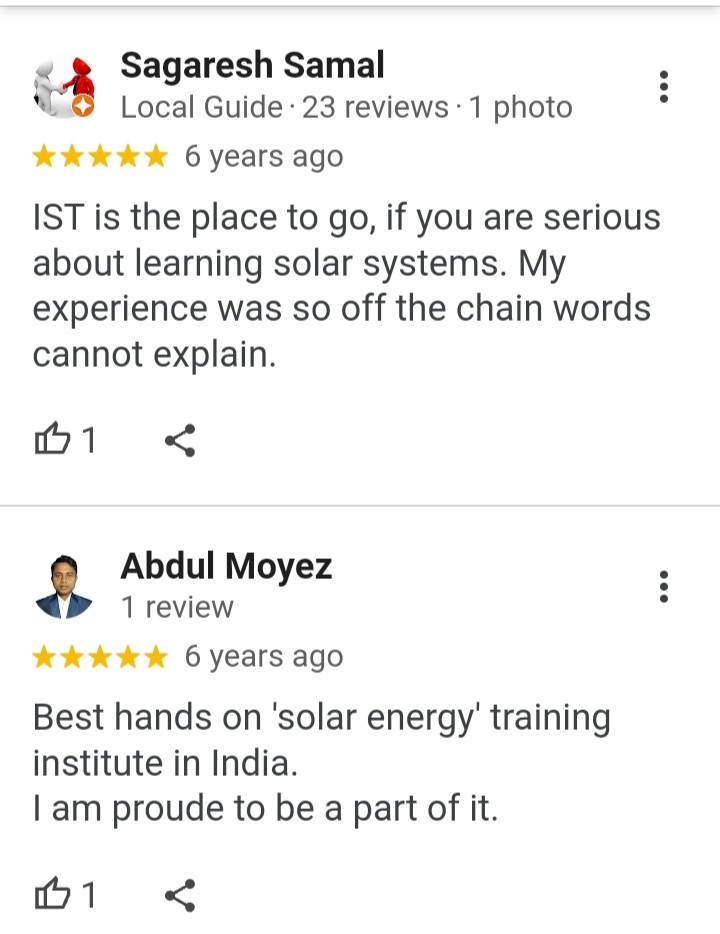
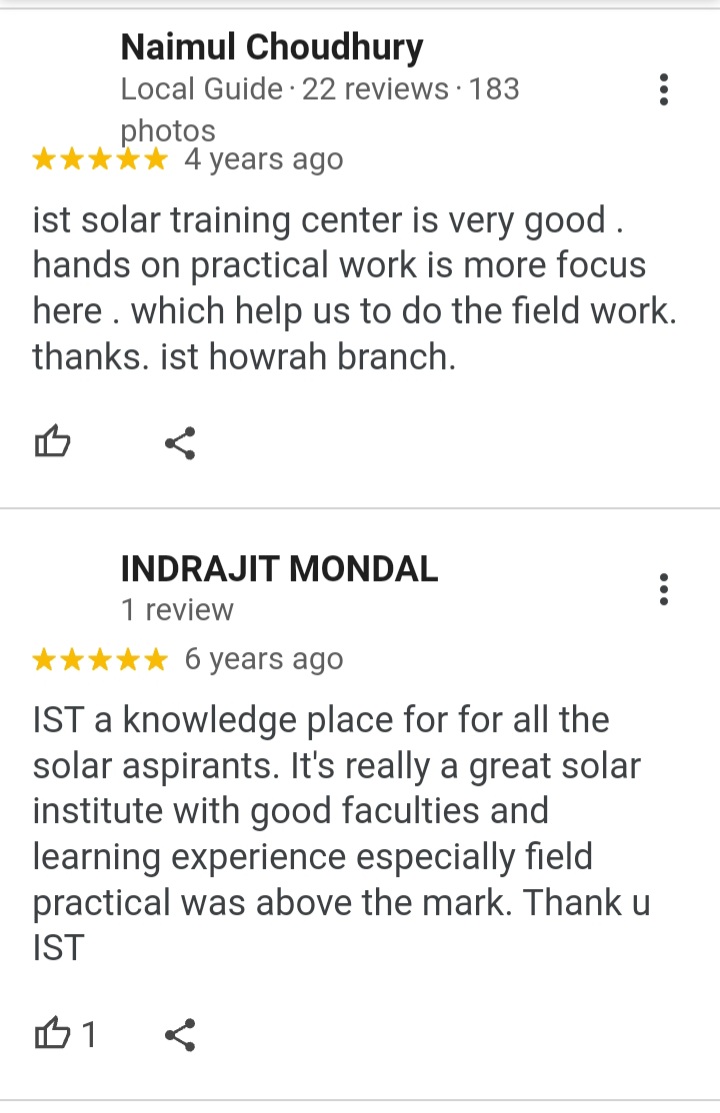
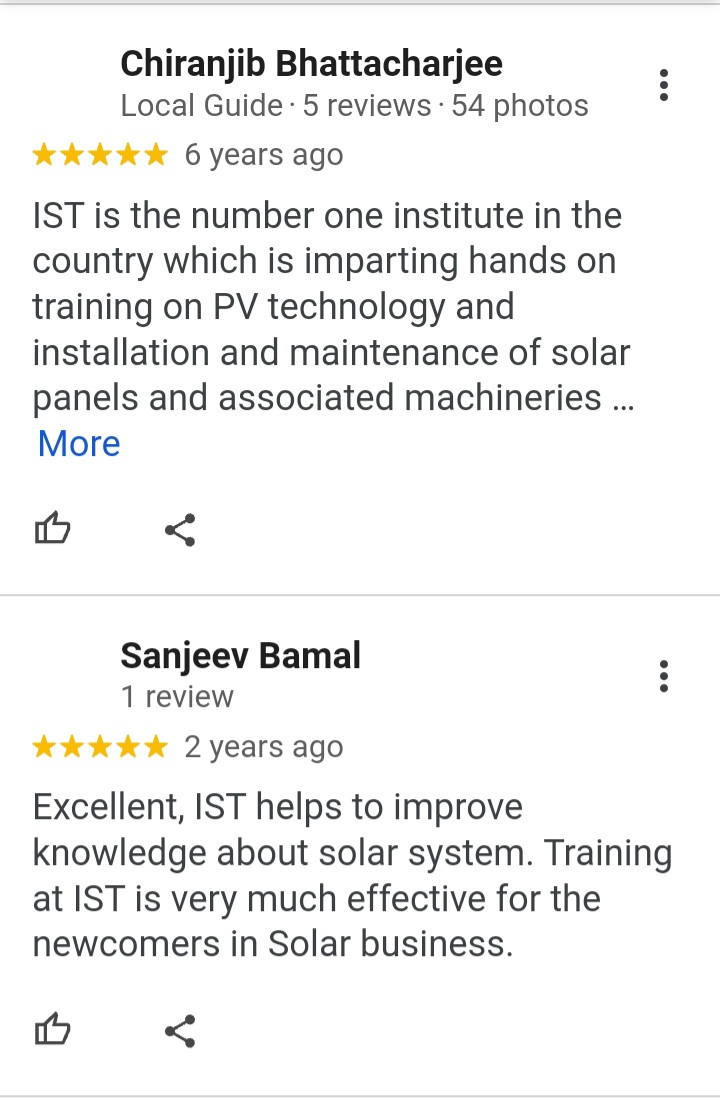
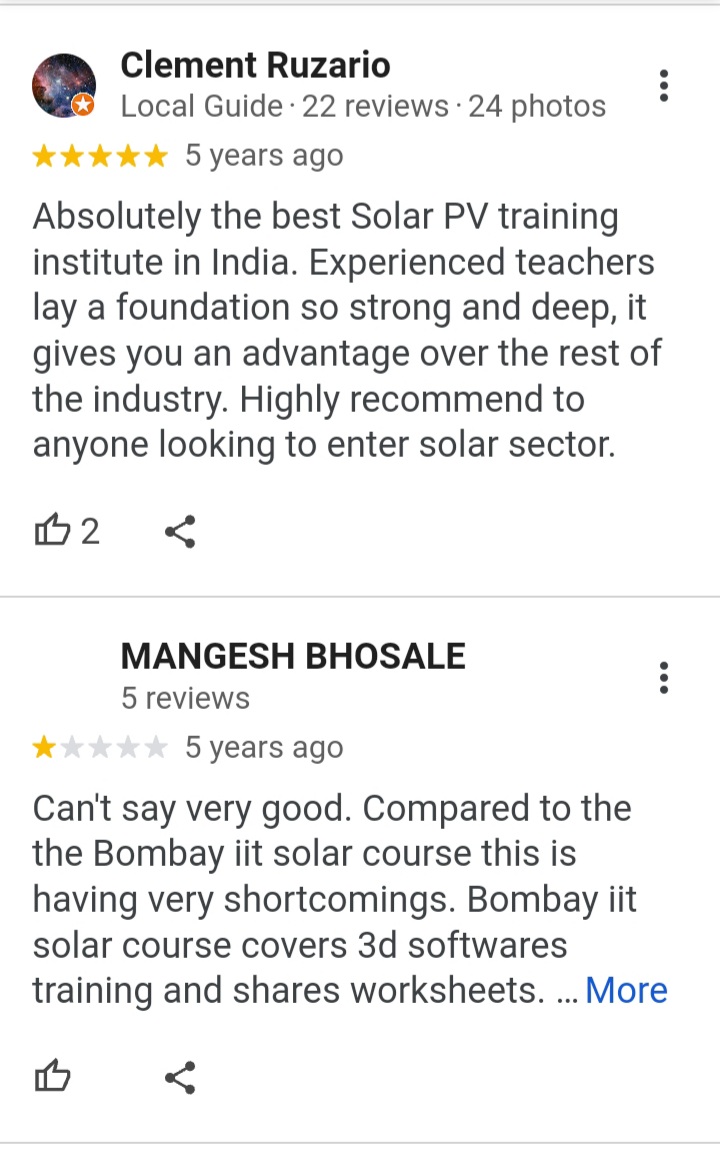
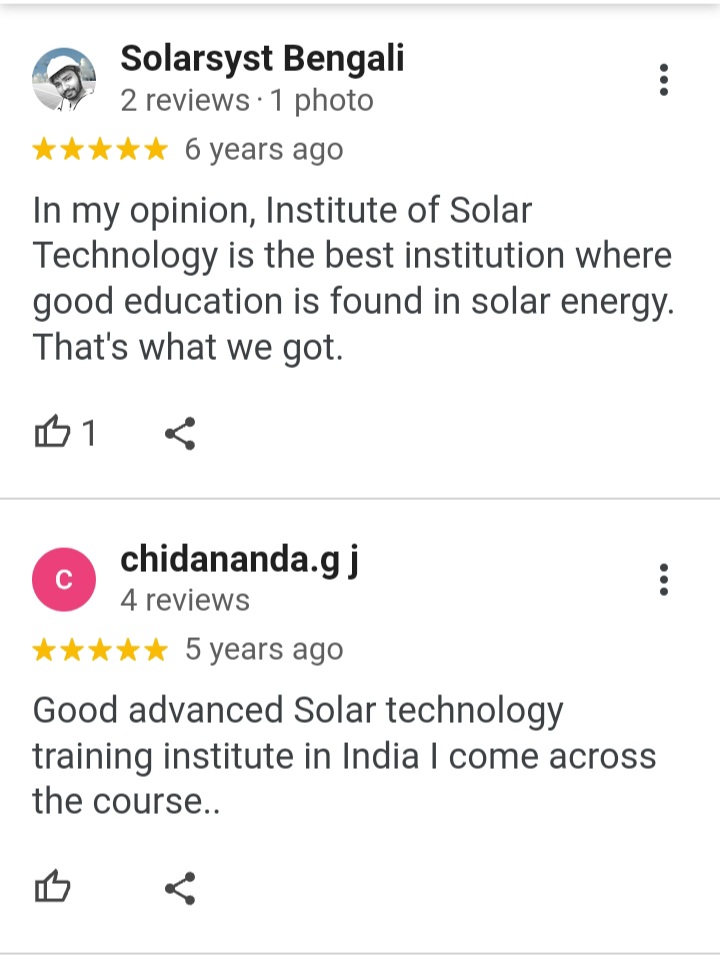
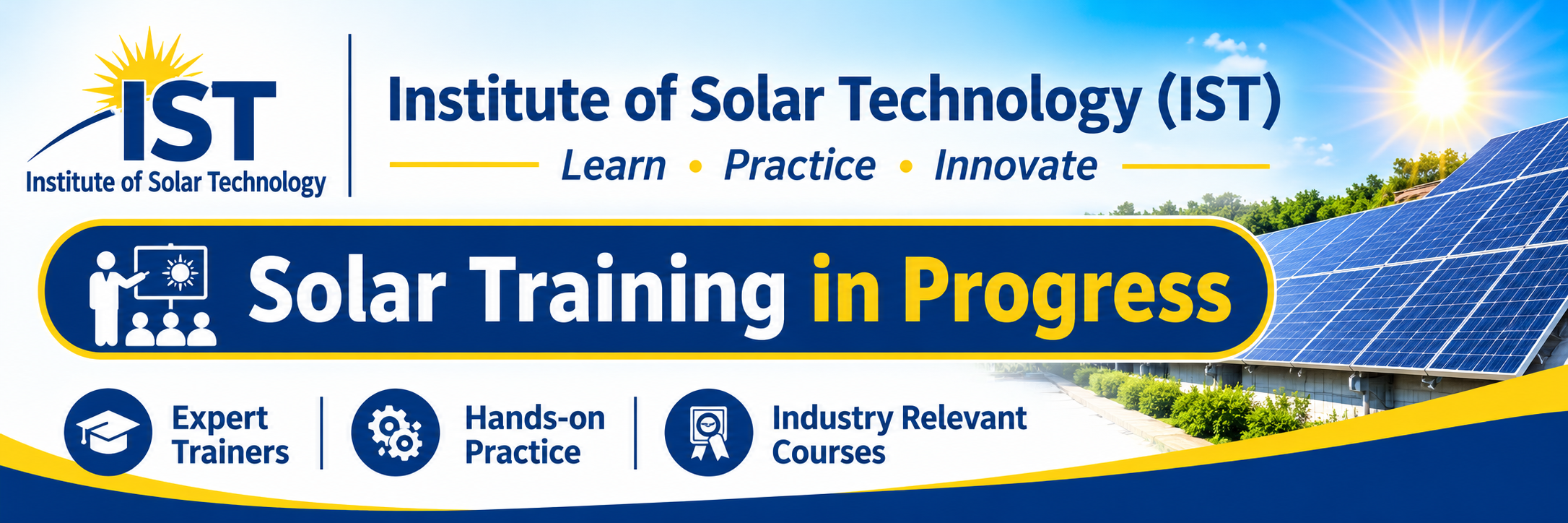
The Institute of Solar Technology (IST) provides practical solar training to help students and professionals understand modern solar PV design software and develop industry-ready technical skills.
Solar Project Design Master Course (Rooftop and Large solar system)
 Huge job opportunity Solar Design engineer job
Search Solar Design Engineer Job
For working professionals, early morning or night class slot available
👉 Introduce with Mentor
Solar Power Plant Releated Cloud Software access -
👉Know about IST SunPower System solar software
- Site Assessment
- Hybrid On-Grid System Simulation
- Solar DCDB Design
- Solar ACDB Design
- Solar Power Plant SLD
- Solar Project Quotation
- Solar Project Bankability Report
- Solar Power Plant BOQ
Admission going on for 3rd Batch of Dec - 2026
What is HelioScope Solar Design Software?
HelioScope is a professional solar photovoltaic (PV) design platform that combines solar array layout design, electrical configuration, shading analysis, and energy yield simulation. It helps solar engineers evaluate system performance before installation and prepare reliable technical designs for solar projects.
Key Features of HelioScope
Solar PV System Design: Create rooftop and ground-mounted solar PV system designs.
3D Solar Layout: Arrange solar panels according to available roof or ground space.
Shading Analysis: Evaluate the impact of nearby buildings, trees, and other obstructions.
Electrical Design: Configure PV modules, strings, inverters, and electrical connections.
Energy Simulation: Estimate annual and monthly solar energy generation.
Loss Analysis: Analyse temperature, shading, soiling, wiring, mismatch, and inverter losses.
System Performance: Evaluate system performance and energy production.
Design Reports: Generate technical reports for solar project evaluation and documentation.
HelioScope Solar Design Training Course – IST
The Institute of Solar Technology (IST) focuses on practical and industry-oriented solar training. Students can develop knowledge of solar PV system design, engineering calculations, layout preparation, and energy simulation.
Course Modules
Introduction to HelioScope software
Solar PV system design fundamentals
Project creation and site configuration
Rooftop and ground-mounted solar layouts
Solar panel orientation and tilt angle
PV module and inverter selection
String sizing and electrical configuration
Shading analysis and obstruction modelling
DC and AC system losses
Energy generation simulation
Performance analysis and optimisation
Solar design reports and documentation
Practical solar project design exercises
Who Should Learn HelioScope?
This training is suitable for:
Solar PV design engineers
Electrical engineers
Solar installation technicians
Solar EPC professionals
Renewable energy consultants
Solar entrepreneurs
Engineering students
Professionals entering the solar industry
Benefits of Learning HelioScope
Learning HelioScope helps professionals improve their solar PV design capabilities, understand energy production estimates, evaluate shading losses, optimise panel layouts, and prepare professional solar project designs.
These skills are valuable for residential, commercial, industrial, and utility-scale solar PV projects.
Why Choose Institute of Solar Technology (IST)?
The Institute of Solar Technology (IST) focuses on practical technical education in solar energy and renewable energy technologies. Our training approach aims to develop the knowledge and practical skills required for real-world solar industry applications.
Learn Solar PV Design, Improve Your Engineering Skills, and Build Your Career in the Solar Energy Industry with IST.
Website: https://istpvsolarsimulator.com/